
City Hope.
Welcome.
If you have been shooting a camera forever and call our Photo Team home or if you just took some pictures with your phone for recollection and to share, this is the place to be.
Shooting.
(General Things to Keep in Mind)
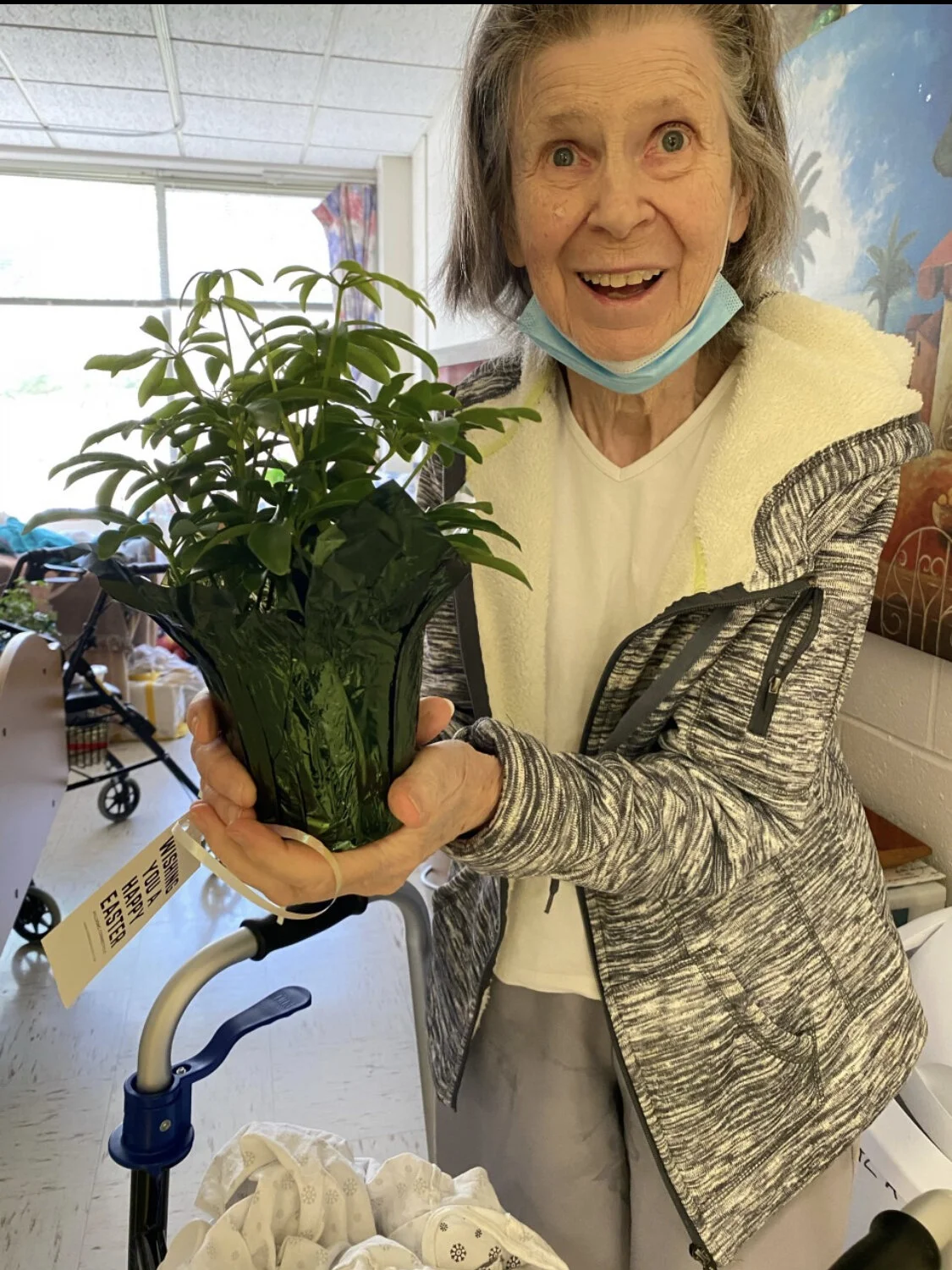
We make sure we’re shooting in a way that is honoring and respectful to whatever/whomever we are shooting
Make sure that people being photographed are okay with them being photographed and that their image is used for church purposes only.
Feel free to move around and get creative with angles and perspectives of how we tell the stories we see
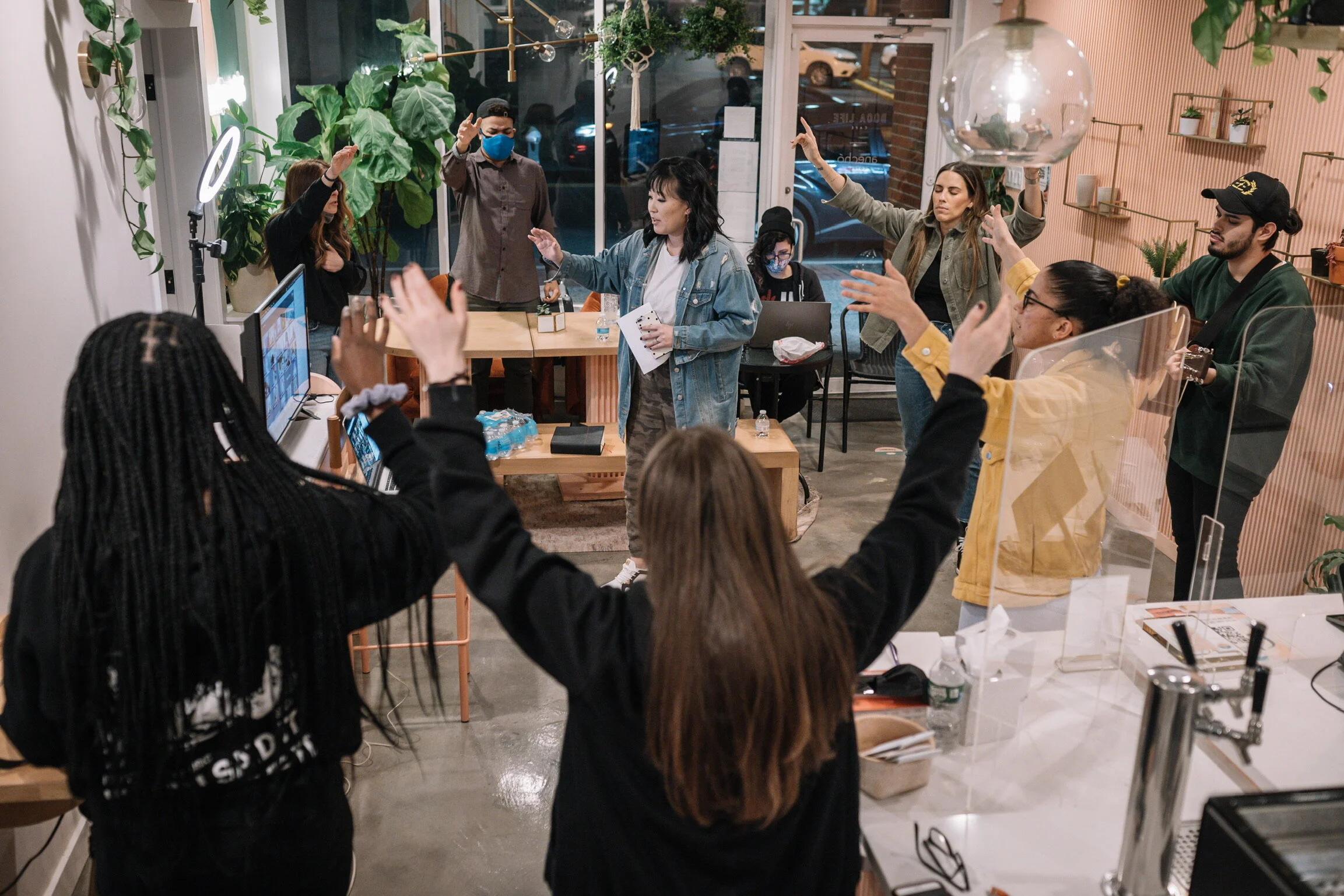
Always shoot BTS. Usually the best stories are found off the platform. Look around, turn around to see whatever no one is seeing.
If there's a Holy Spirit prompting to capture something, pursue it (in a respectful and relentless way).
Overshooting is okay if it helps you feel safe about capturing good expressions (knowing that you’ll be the one culling afterwards).

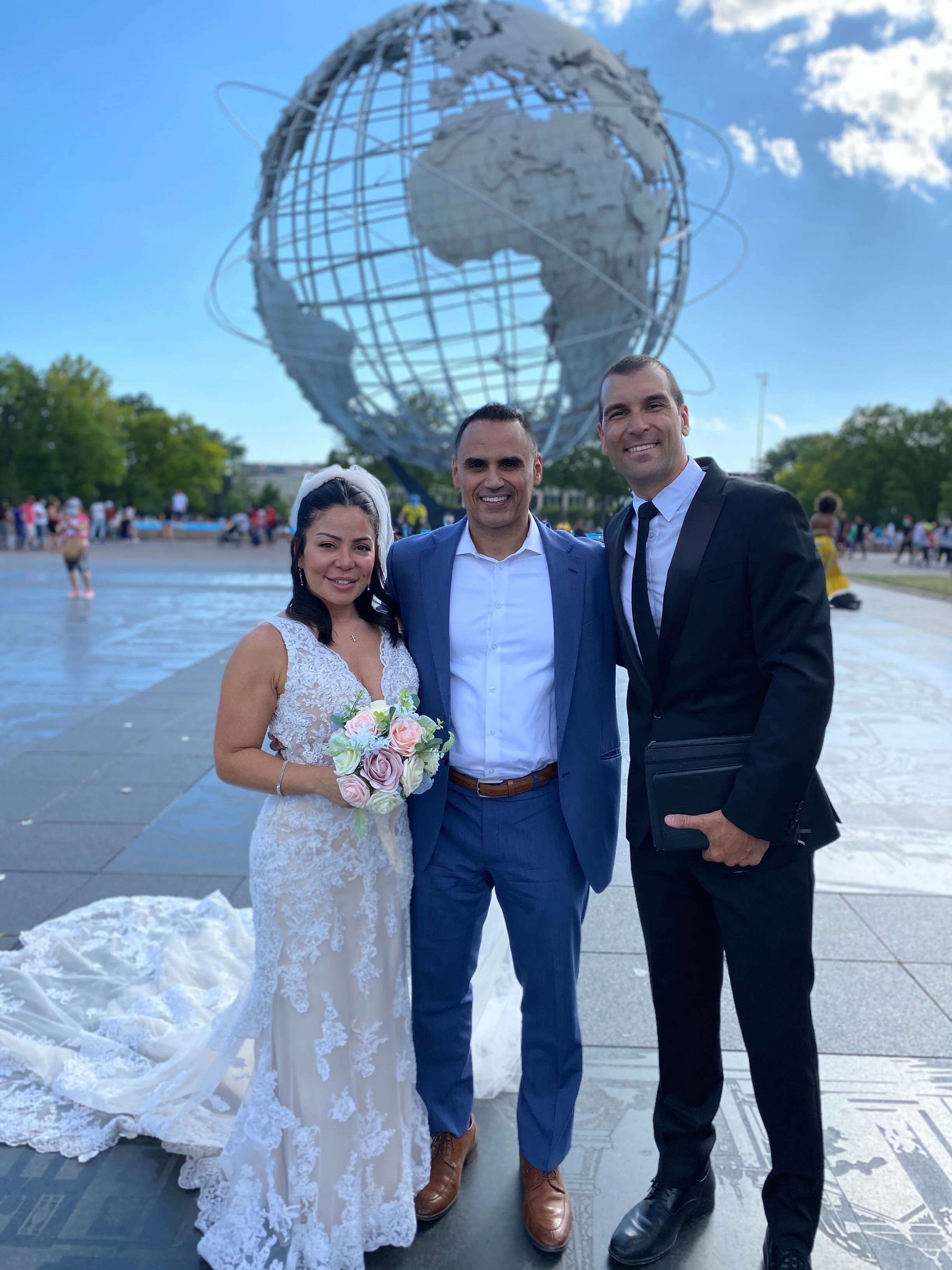
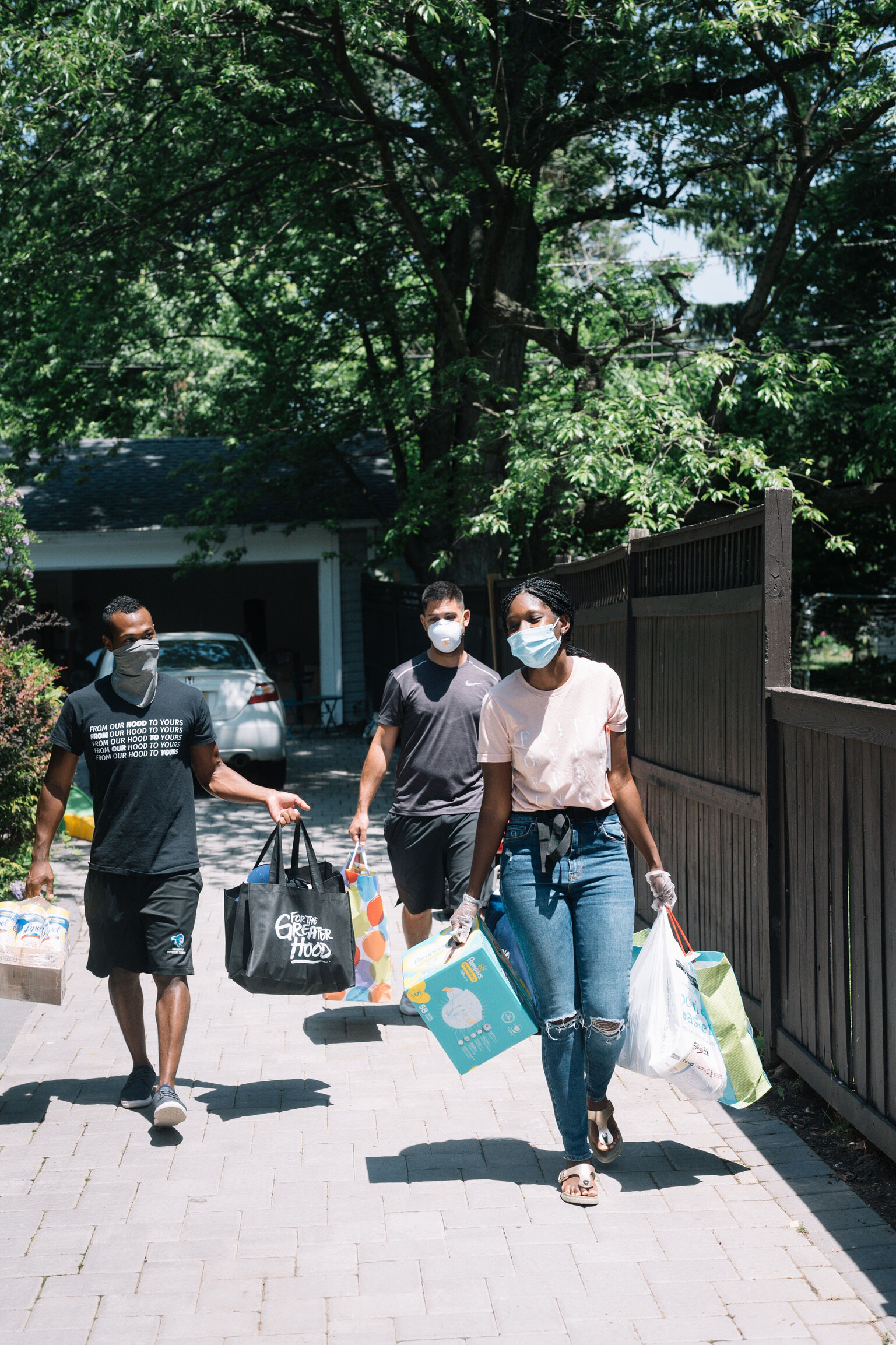

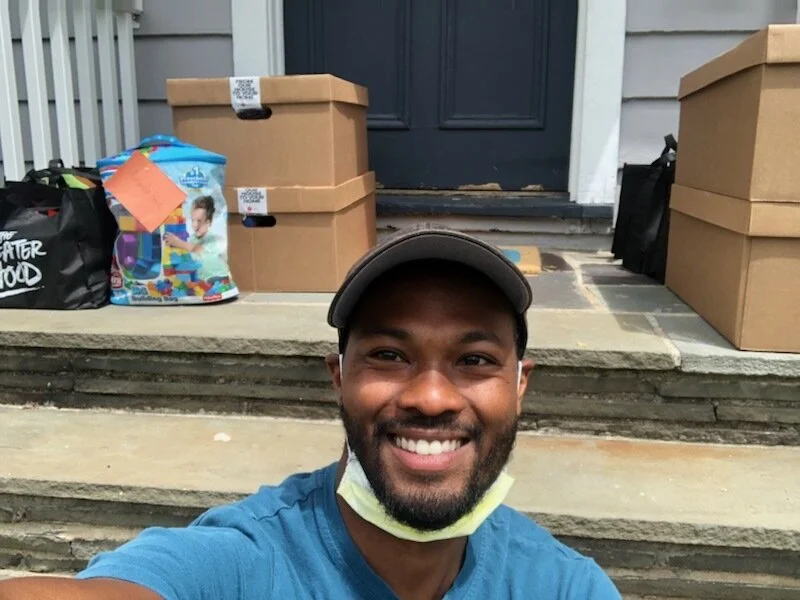
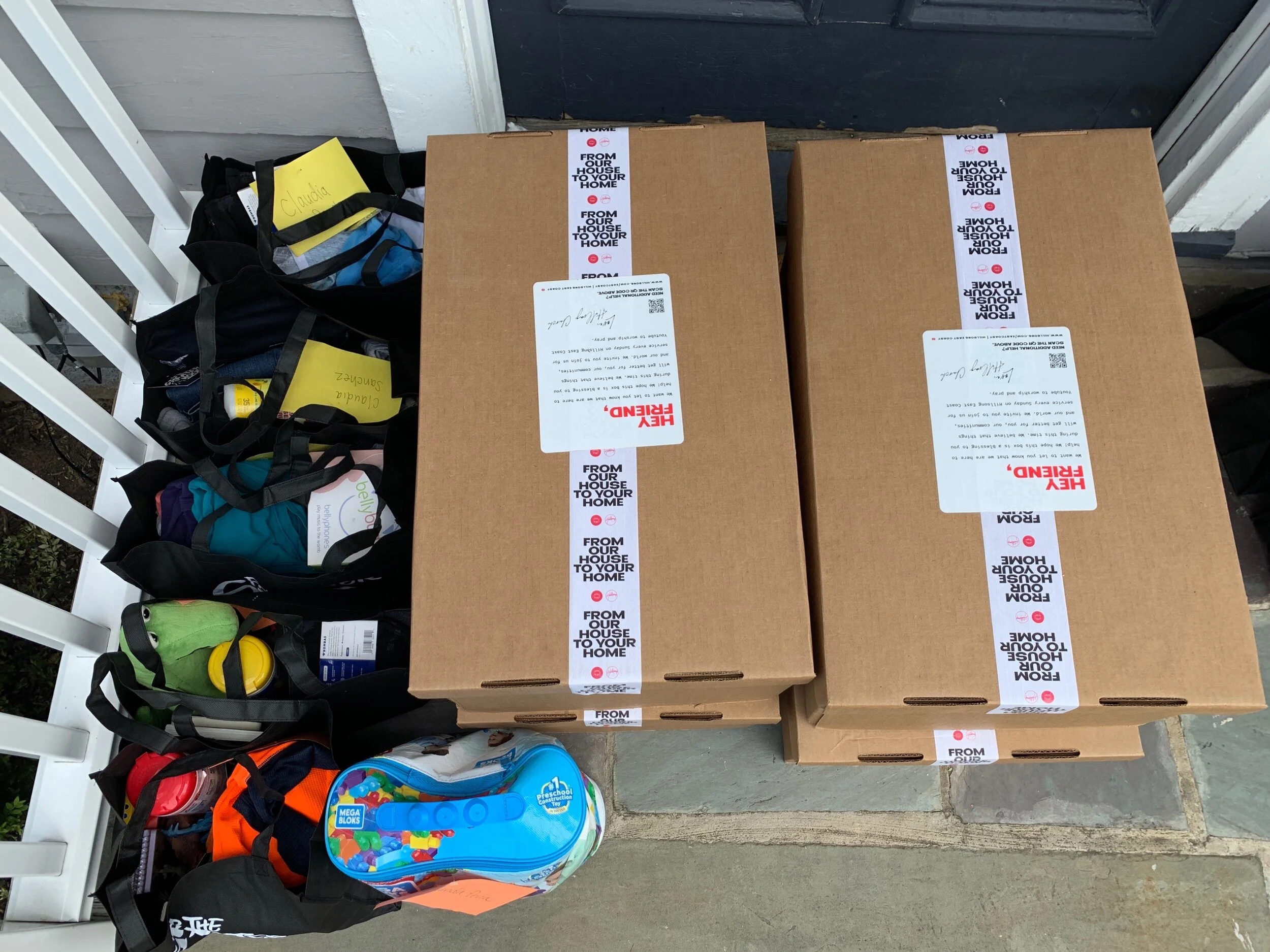
After-Shooting Kit.
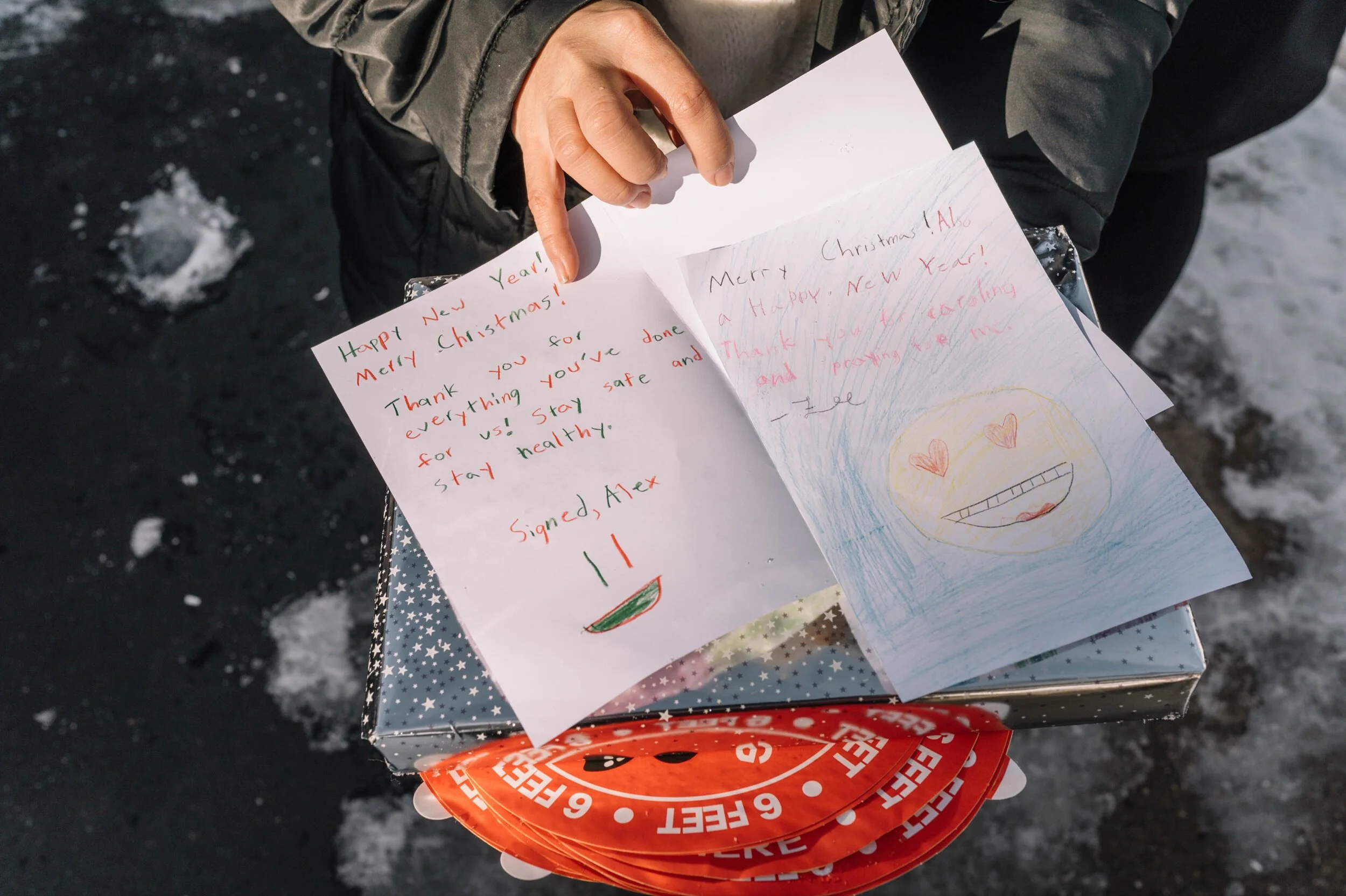
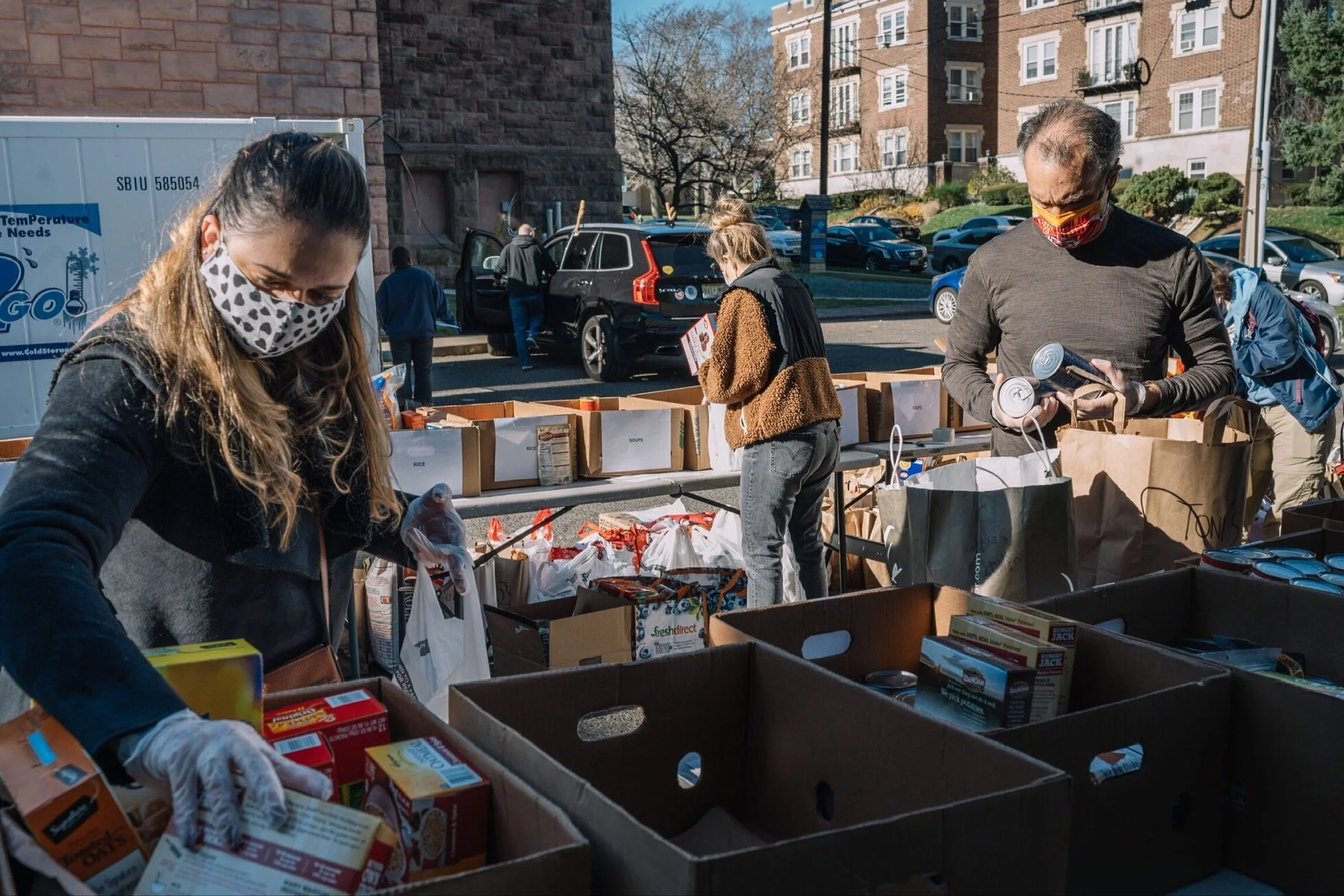
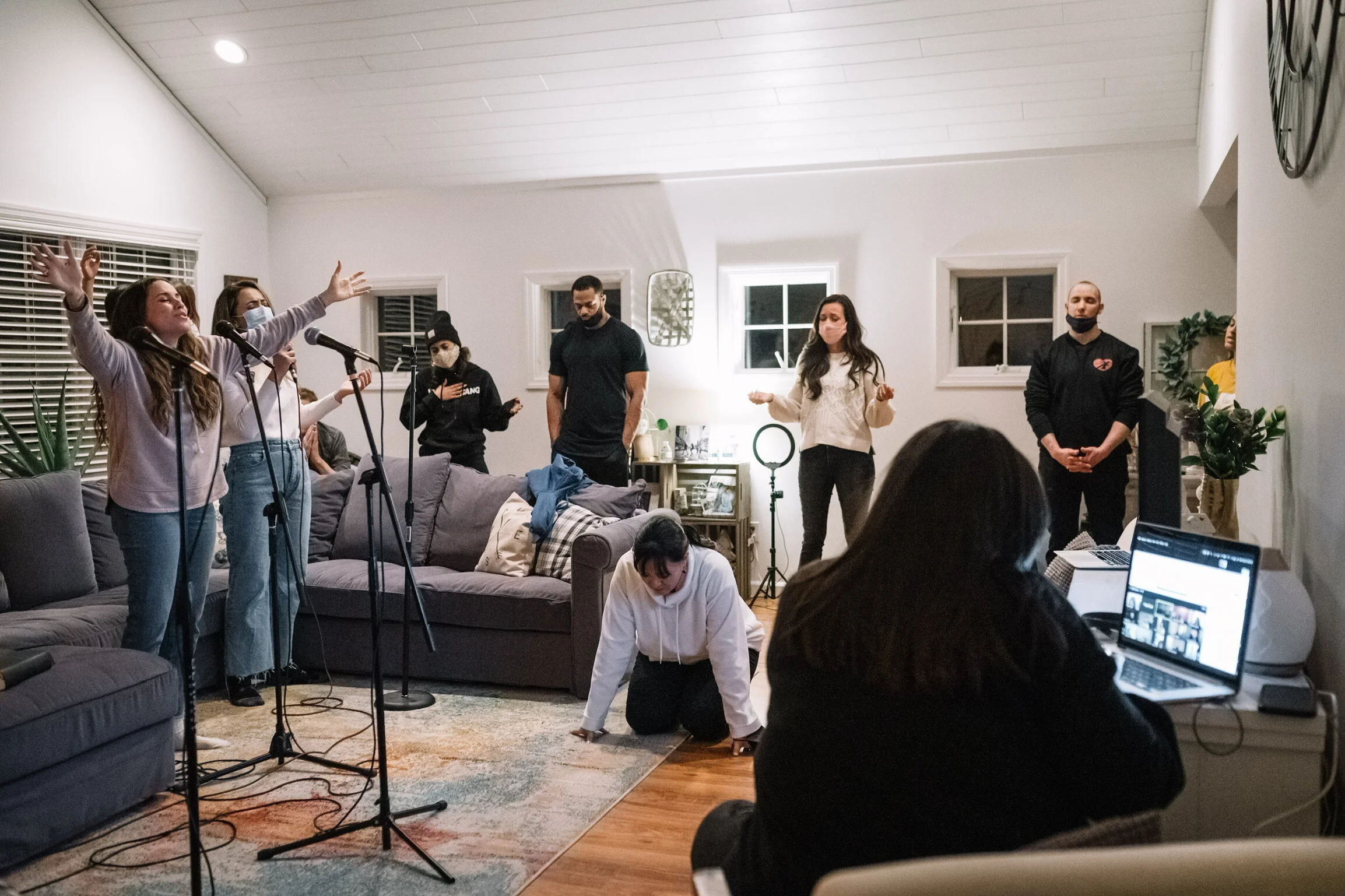
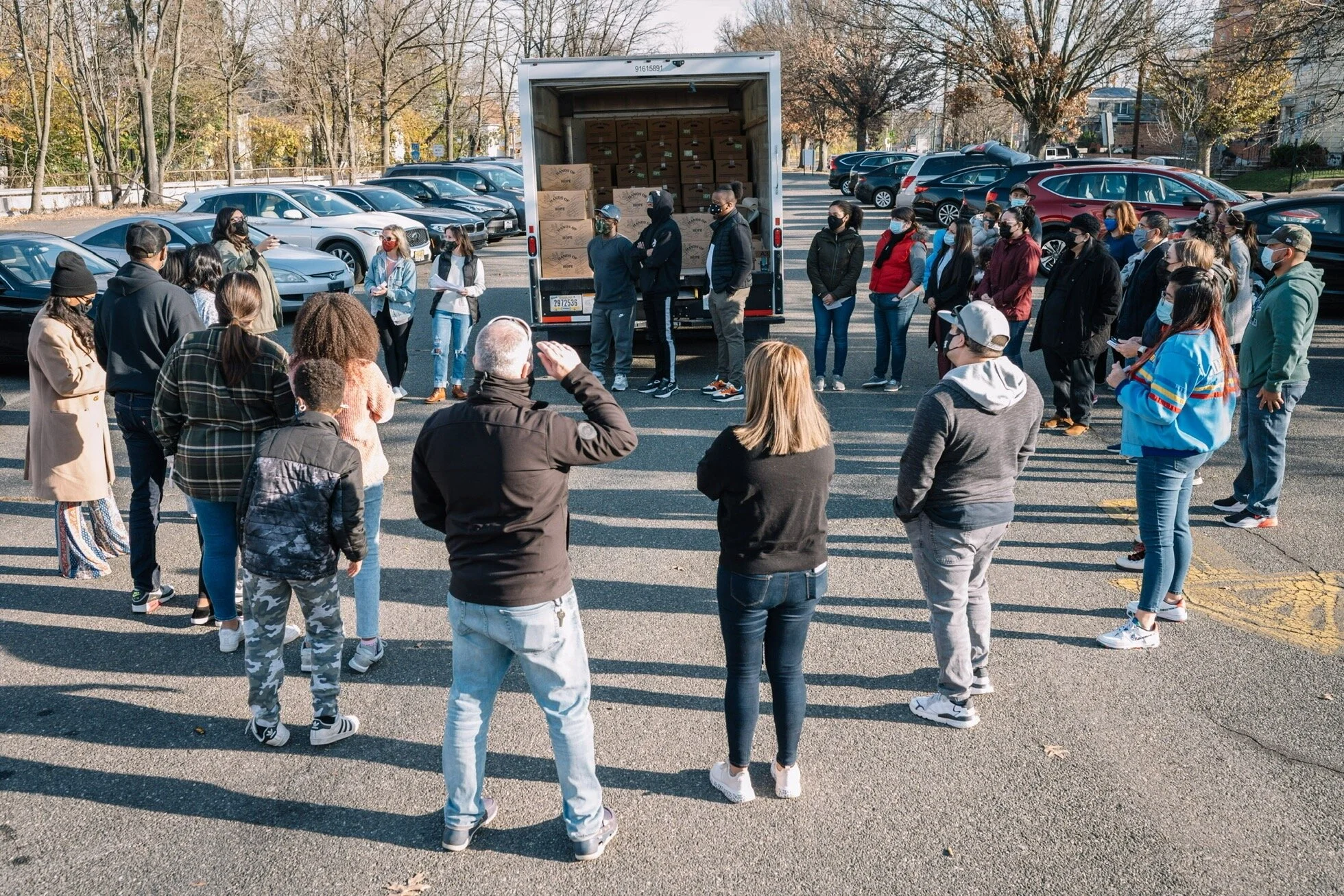
You just shot incredible images of the hands and feet of Jesus in action.
THANK YOU.
We hope it was as impactful to you as it will be for the eyes who will see these images.
The next step is to upload the photos to one of the following links (according to campus) in order for them to be properly stored and shared with team for them to be worked with.
Uploading.
BOX:
1. Make sure everything is put together in one FOLDER named: YYYYMMDDKeyWord
- This means: year,month,date _ a word to remember what the event was about or the partner that helped us achieve our goal of the day
For example: 20210405_TonysKitchen (no spaces in between)
2. Click on your campus to be redirected to the corresponding Box Team Drops link.
- If you don’t have access to Box, ask your Michelle Palafox about it (michelle.palafox@volunteer.hillsong.com)
After-Shooting Kit for PHOTO TEAM.
Editing.
Use the LR_HillsongEC Catalog
Import photos using the correct Import Preset (with your city's metadata information).
Make sure RAW filenames are edited to: (date)YYYYMMDD_filename.dng (or whatever the Raw termination of your camera is: .nef, .cr2, .raf, .raw, .arw, .dcr, .orf, .rw2, .pef, etc)
Use the HillsongNYC (Color) Preset + adjust the skin tone (white balance) and exposure (darkness/lightness) of the photos that need it.
Export with Hillsong NYC Social Preset
Make sure Exported Filenames are edited to: (date)YYYYMMDD_filename.jpg
Lightroom Catalog:
Uploading.
BOX:
1. Make sure every FILE is renamed like this: (date)YYYYMMDD_OriginalFileName.
2. Make sure everything is put together in one FOLDER named: YYYYMMDD_KeyWord
3. Inside the folder, separate Raw Files (Raws) and Exported Jpgs (OUTPUT) in 2 different folders.
4. Click on your campus to be redirected to the corresponding Box Team Drops link.
- If you don’t have access to Box, ask your editor/lead about it.
- If you already have Box access, upload all your RAW images and your edited exported images into this folder:
https://hillsong.box.com/s/3c6ykmlb4mk6eimd64ut48ix5d18v40j
FLURO:
- If you don’t have Fluro access, let your editor/lead know you have already uploaded to Box.
- If you have access to Fluro, upload with the corresponding tags (click here for reference sheet)